
One record for the whole development shop
Stages, timelines, documents, and relationships live on the same project record as the maps and models, so nothing gets chased across six tools.
Updated October 2026
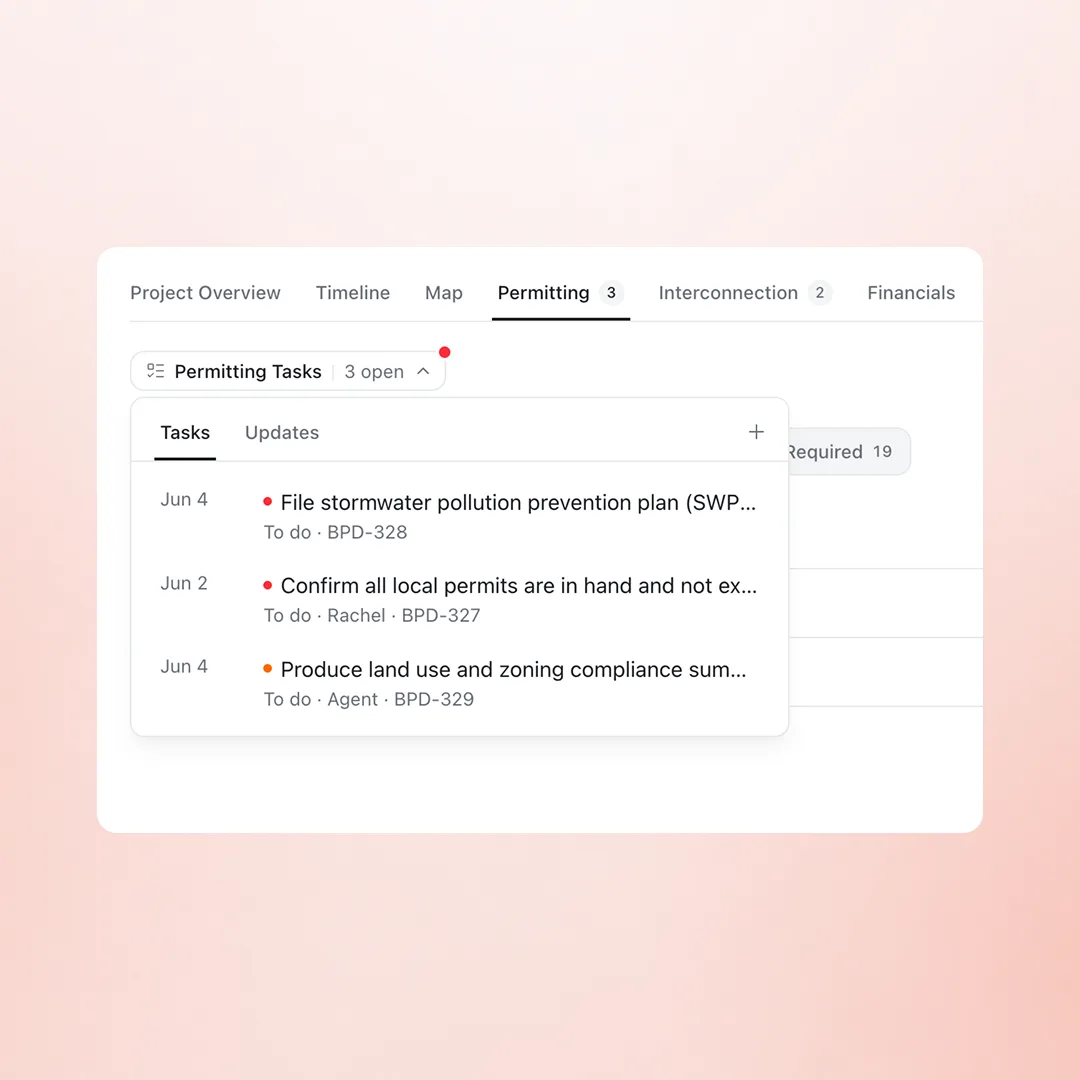
Tasks live where the work does
Permitting tasks sit in the Permitting tab, interconnection tasks in Interconnection, each with owners and due dates. Assign one to a teammate or to an agent, and the same items roll up to the portfolio view.
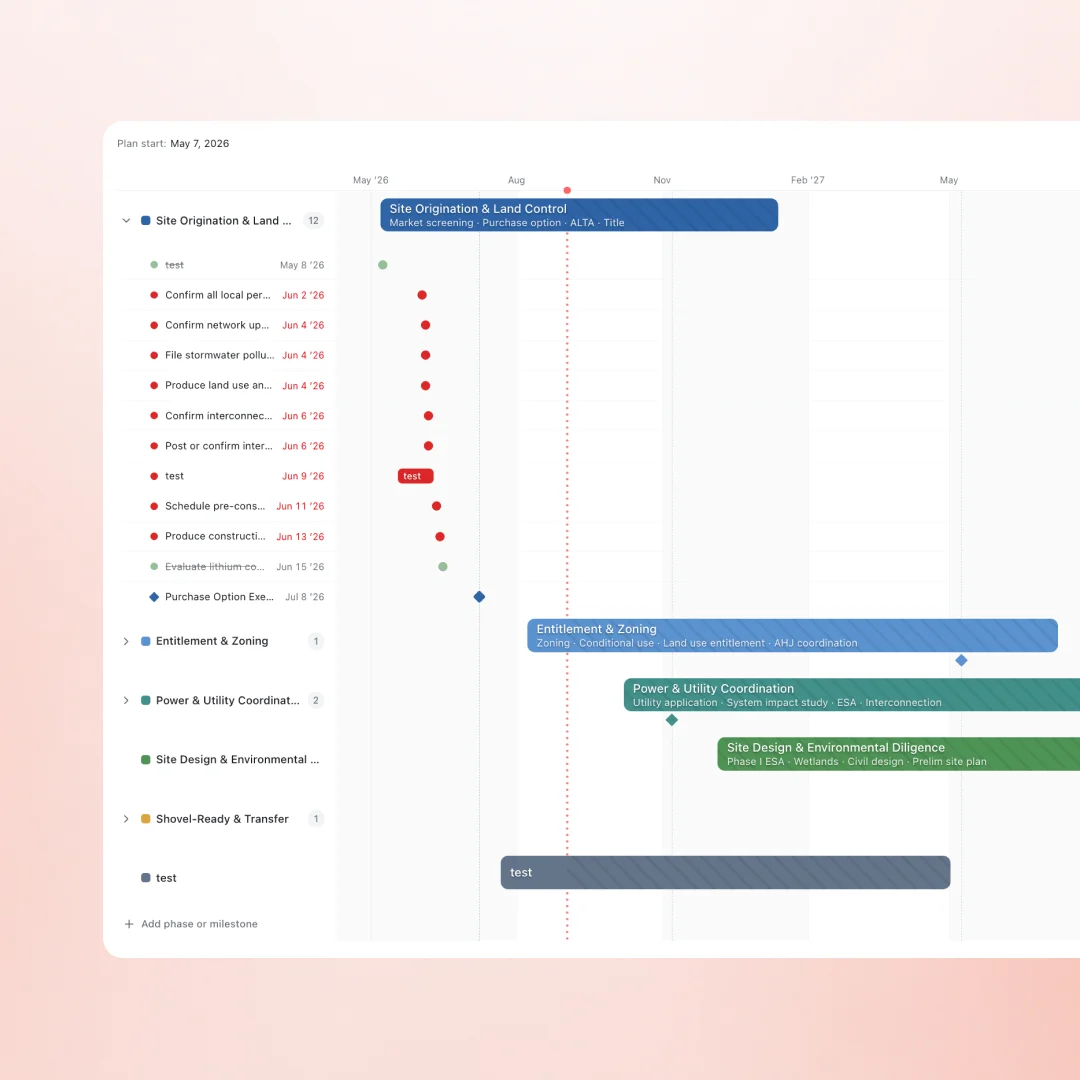
Timelines that fit development
Per-technology timeline templates, ISO-adjusted, with click-to-edit Gantt views for the real sequence: phased milestones, critical dates, and the gates a project clears on its way to shovel-ready.
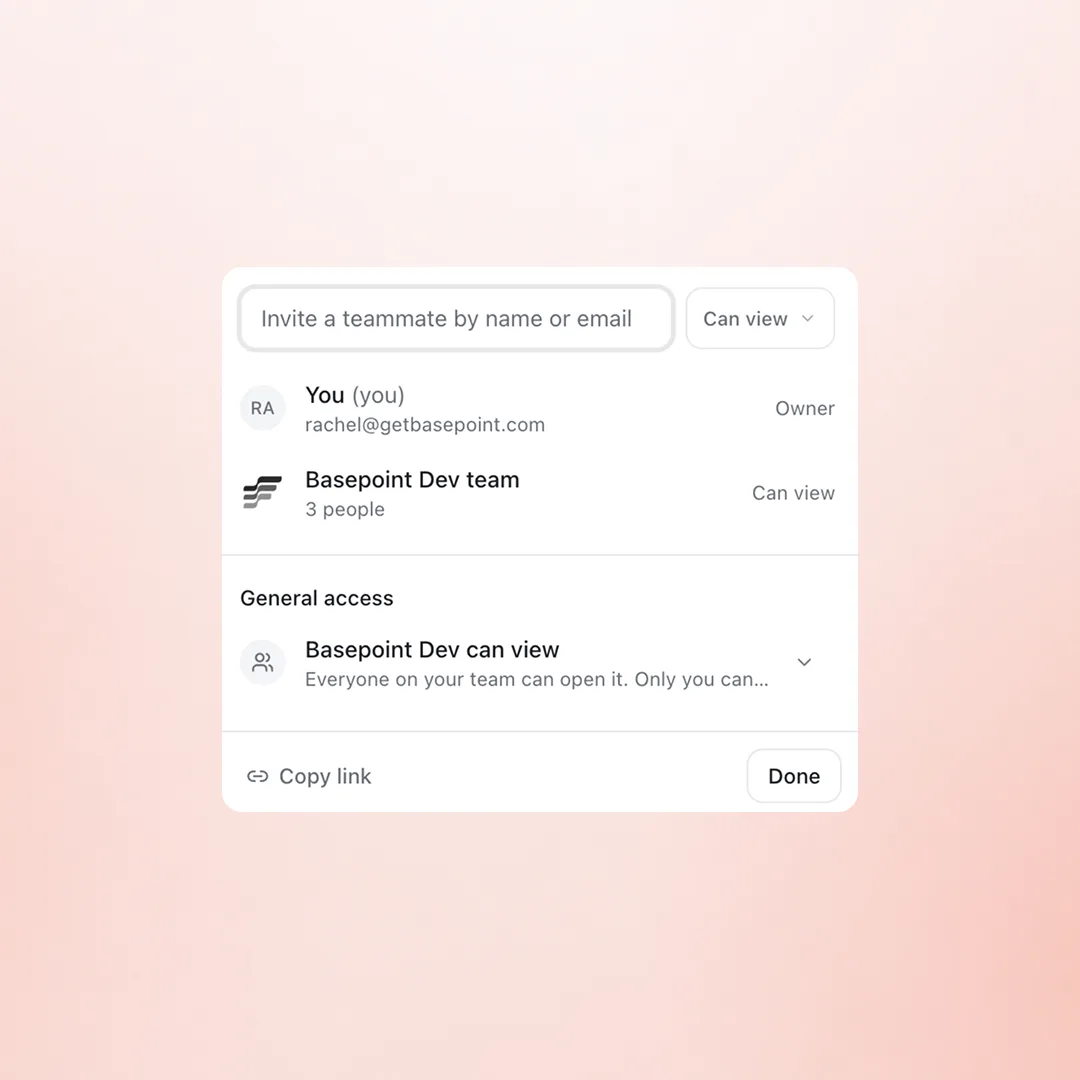
Share to the right depth
Invite a teammate to one project, give the whole team view access, or copy a link. Documents inherit the project's access, so the data room and the record stay in step.
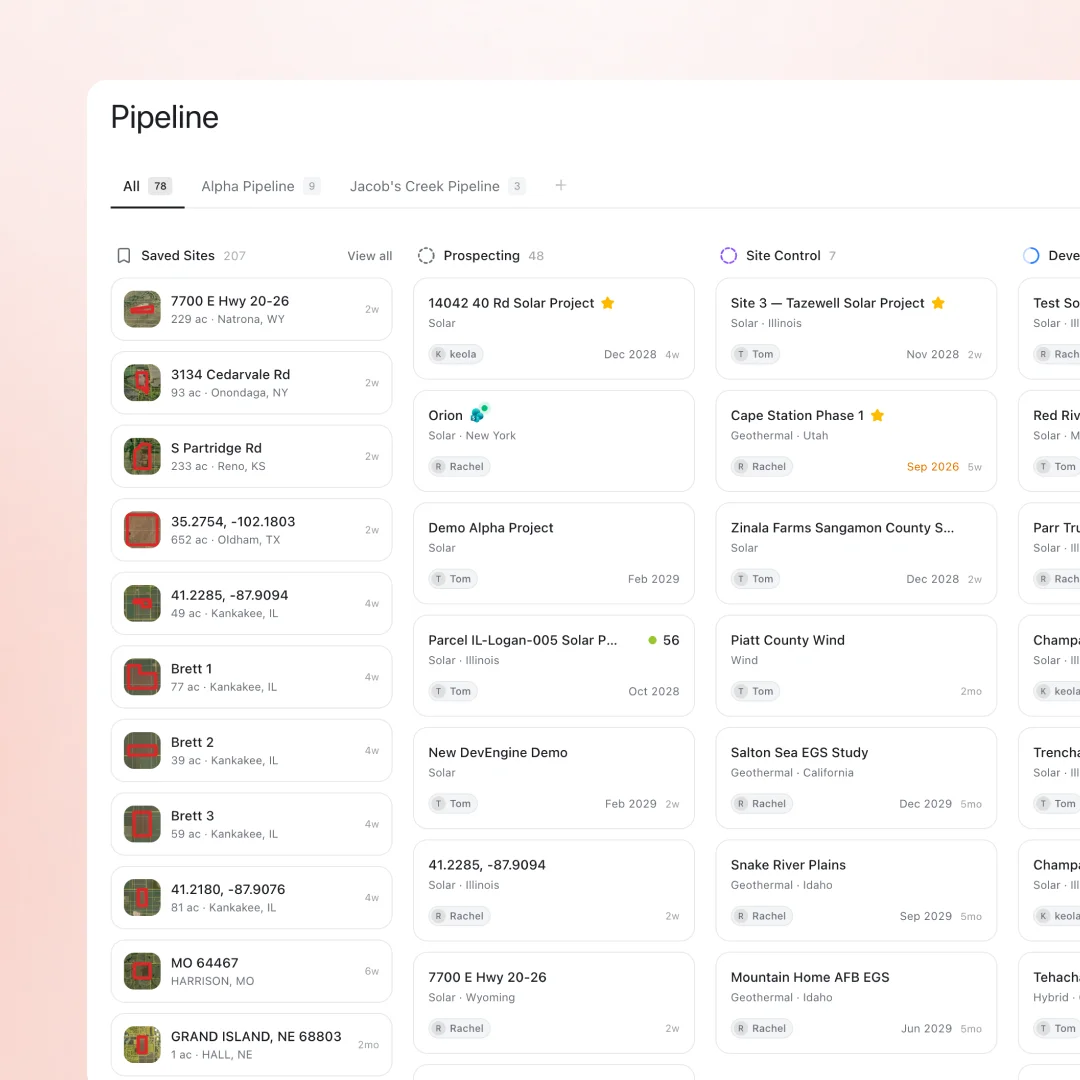
The record the whole team works in
Evidence-backed stage gates
Projects advance on verified artifacts: executed site control, filed applications, issued permits, signed models.
Tasks and deliverables
Work items roll up across the portfolio, grouped by project, owner, or deliverable, with module tasks in the page they belong to.
Data rooms for deal work
Scoped, shareable spaces with access controls and access history, built for diligence and financing workflows.
What stops living in six other tools
- The stage tracker in a spreadsheet nobody trusts
- Timelines rebuilt per board meeting
- The data room at a separate vendor
- Landowner contacts in someone's phone
- Status updates chased over email
- A daily digest assembled by hand
Frequently asked questions
Can we import an existing pipeline?
Yes. Projects import from Excel and CSV with their stages and fields, and site geometry from KML and shapefiles.
How do stage gates work?
Gates are tied to artifacts on the record, so a project cannot advance without the document or milestone that proves the step happened.
Can outside parties access documents?
Through data rooms: scoped, shareable spaces with access controls and access history, built for diligence and financing workflows.
Does this replace our sales CRM?
It replaces the spreadsheet tracking landowners and counterparties around projects. Teams running a separate sales CRM keep it; development relationships live here, next to the work.
What are the stages, and can we change them?
Projects move through Prospecting, Site Control, Development, and Shovel Ready by default, with evidence-backed gates like executed site control, an interconnection application, and P50/P90 yield. Stages are configurable per team.
Can timelines come from Smartsheet?
Yes. Smartsheet sheets import directly and Gantt data becomes a live project timeline. Excel and CSV cover pipelines tracked in spreadsheets.
Where do emails and meetings land?
Connected email threads and meeting transcripts from tools like Fireflies and Granola become updates on the project record, tagged to the projects they discuss.
Bring your tracker to the demo
Pipelines import from Excel. Most teams see their own portfolio on the board within the first call.