
Custom reports and dashboards for your portfolio
Dashboards, automated reports, and KPIs across the whole development portfolio, powered by the live data already in Basepoint.
Updated October 2026
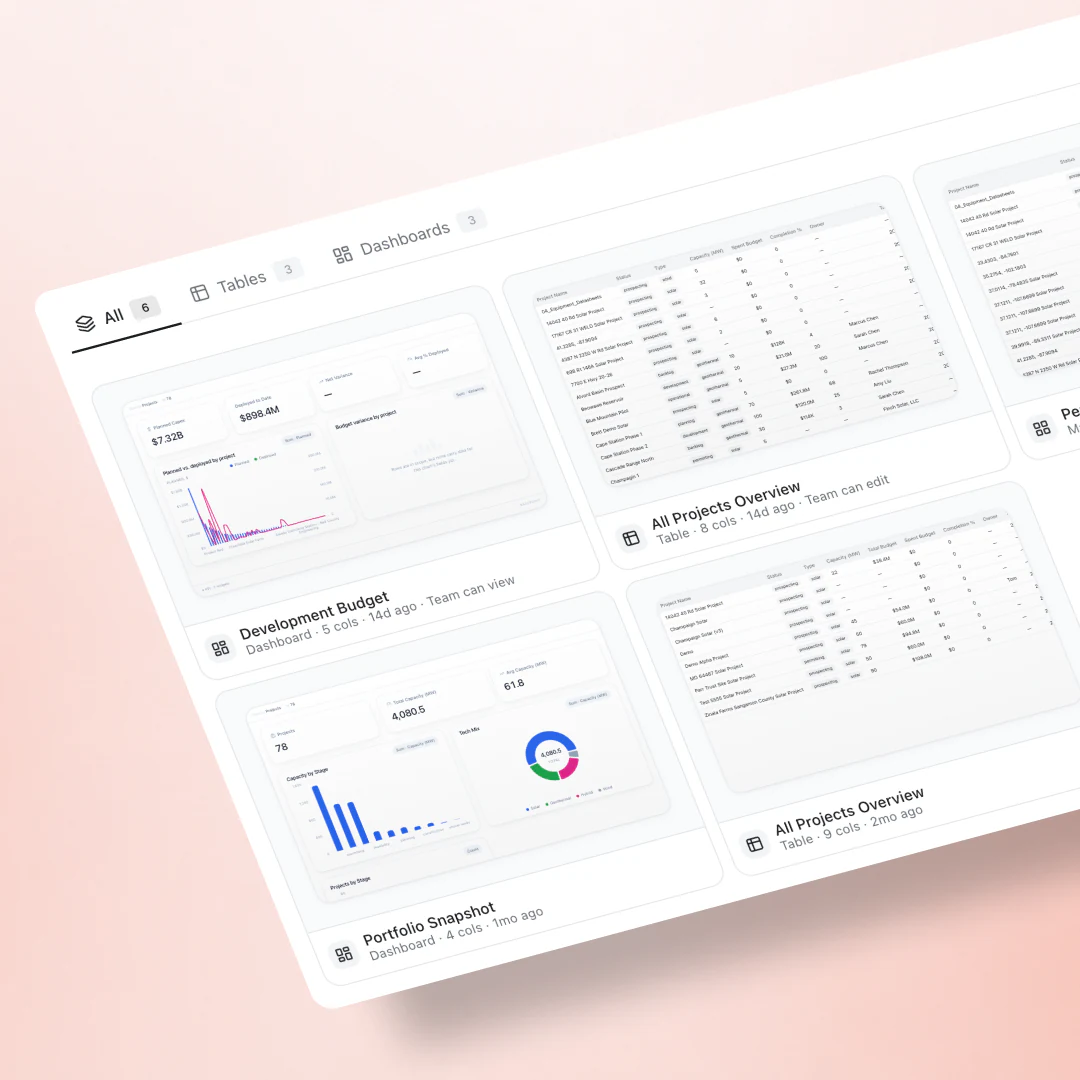
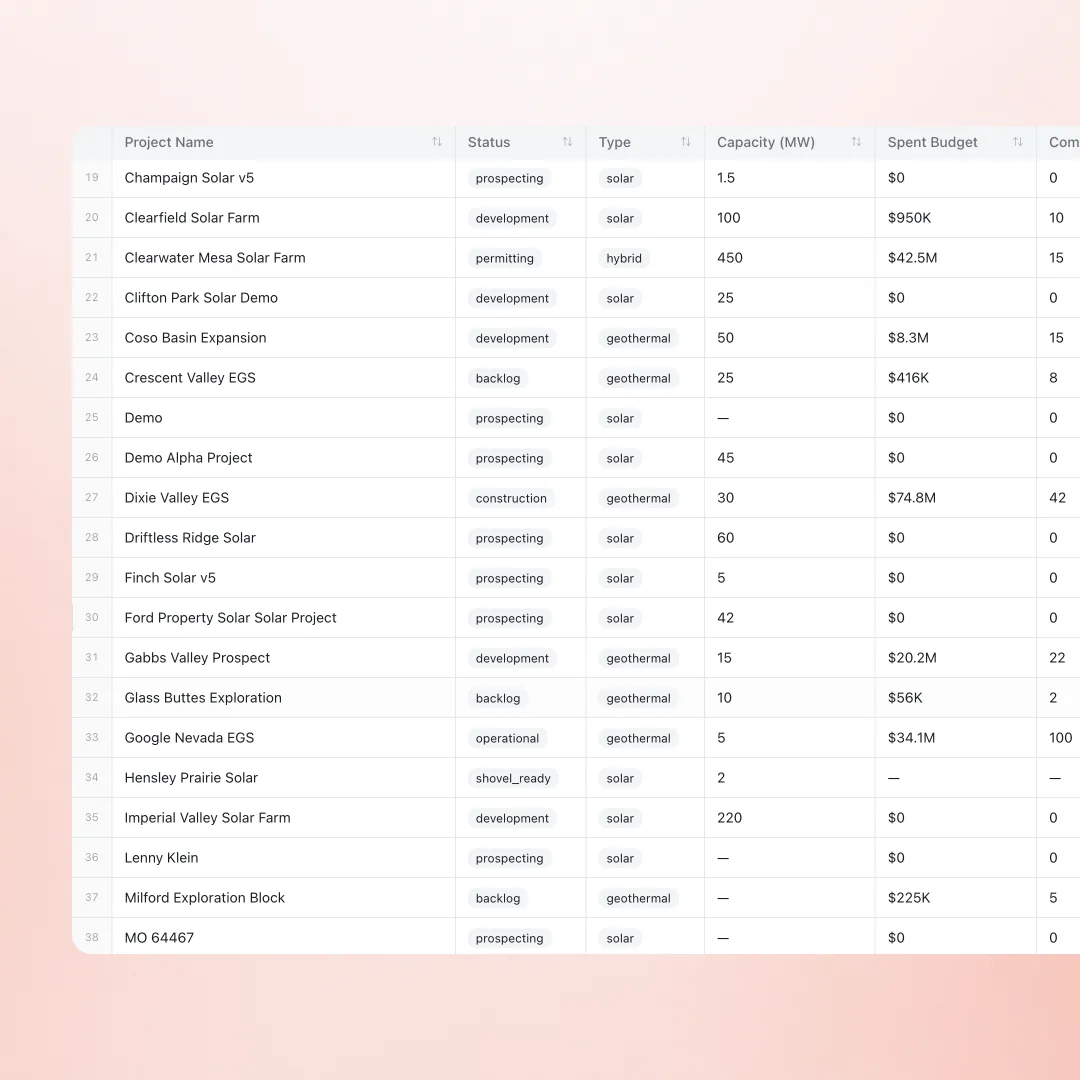
The whole portfolio in one live table
Every project with status, capacity, and spend in sortable columns, read live off the working record, not last week's export.
- Lookups, rollups, and formula columns across nineteen data sources
- Tables, boards, maps, and dashboards over the same data
- Any slice: stage, technology, region, budget variance
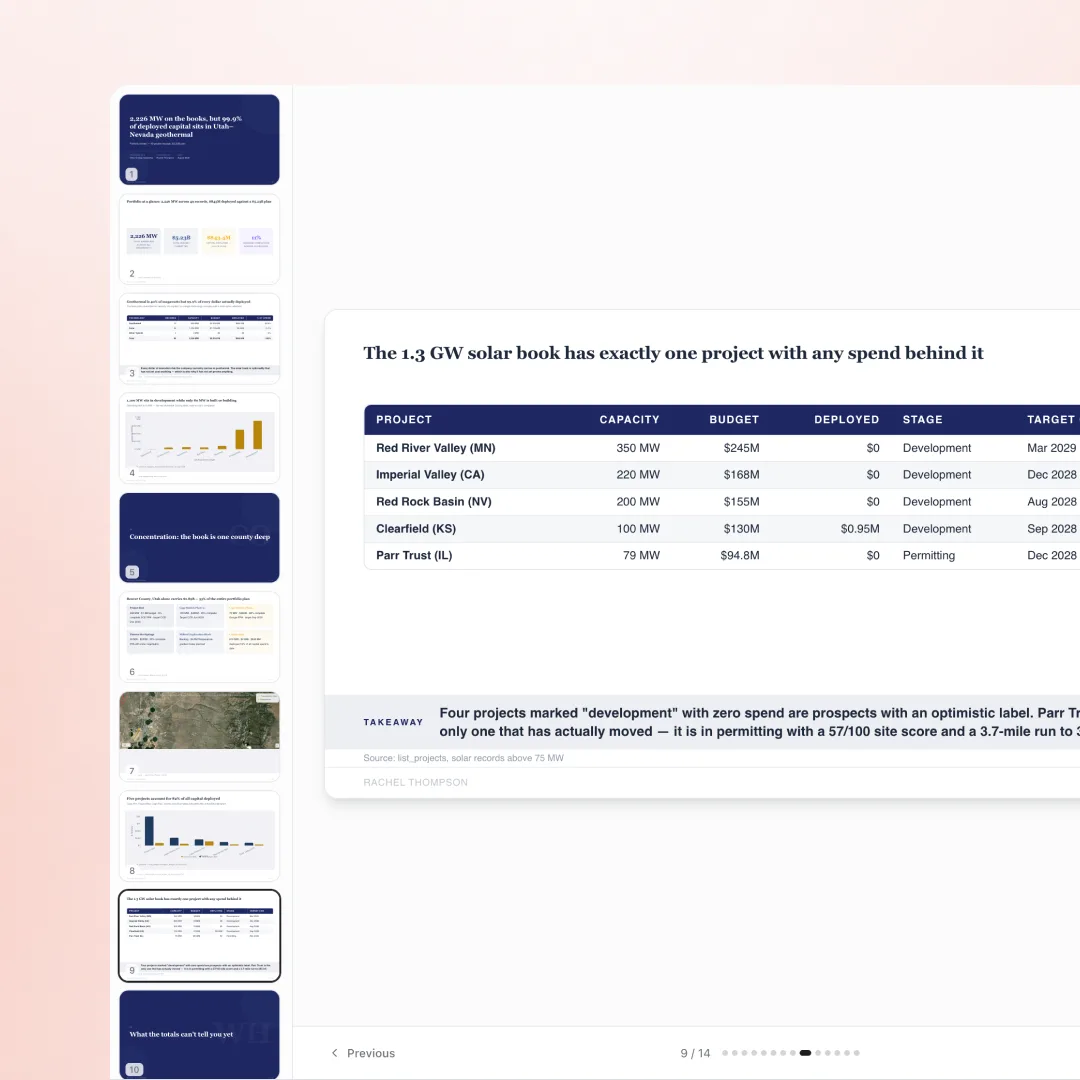
The report is the deliverable
Reports generate page by page from live data: KPIs, concentration risk, and per-project takeaways, each figure tied back to the record it came from.
- Weekly, monthly, or quarterly, distributed on schedule
- Takeaways written against the numbers, with sources cited
- Exports to PDF and Excel for stakeholders outside Basepoint
Reporting without the assembly weekend
Automated reports
Weekly, monthly, or quarterly reports generate and distribute on schedule, so boards and partners stay current without manual decks.
Scenario comparison
Compare sites, financing structures, or timeline assumptions side by side with live data feeding every column.
Shareable by design
Views share at team level or by link, with private, team-view, and team-edit access levels.
Frequently asked questions
Do dashboards update automatically?
Yes. Views read live project data, so a dashboard reflects the portfolio as it is, not as of the last export.
Can I export for stakeholders who live in Excel?
Tables and reports export to Excel and PDF, and scheduled reports can distribute automatically.
What data can views draw on?
Projects, sites, models, documents, queues, permits, tasks, and more: nineteen sources with lookups, rollups, and formula columns across them.
What view types can I build?
Map, table, board, dashboard, and chart views over any of the sources, with lookups, rollups, and formula columns to shape the cut you need.
Do I have to build every dashboard by hand?
No. Describe the cut you want and an agent assembles the view; you refine it from there. Hand-built and agent-built views are the same object afterward.
Can I share a dashboard outside my team?
Yes. Views share at team level, per person, or by link with an access level, and external clients can see assigned material through the client portal.
Stand up your first dashboard live
Bring the KPIs your board asks for. The first view exists before the demo ends.